How to use AWS SSO to access K8S
Prerequisites
- Complete Setup AWS SSO
- Install kubectl(for Kubernetes CLI access)
- Install Lens(Kubernetes GUI access) or OpenLens(Opensource build of Lens)
- Install helm (for deploy backend service)
Setup kubeconfig
- Login to aws sso profile
- Run following command:
aws eks update-kubeconfig --name <cluster_name> --alias <cluster_name> --profile <profile_name>
- To verify, run command
kubectl get pods --context <cluster_name> - To run helm with specific cluster, add
--kube-context <cluster_name>parameter. Ex.helm list --kube-context <cluster_name>
Config namespace for Lens
If you can’t see anything after add new cluster config, that means you don't have permissions to access whole cluster resources
- Go to cluster setting.
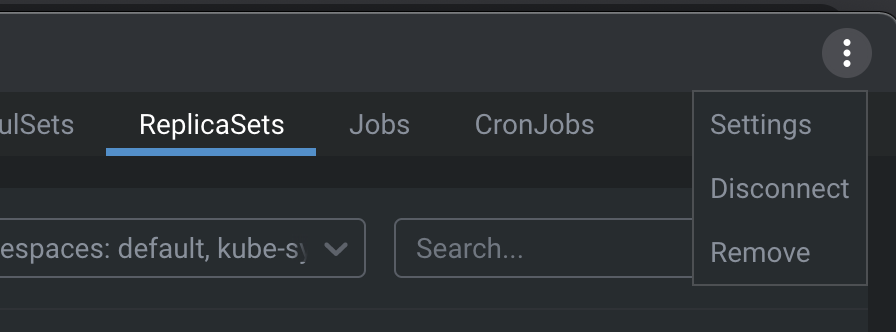
- Add namespaces to Accessible Namespaces section.
